Tuesday, May 6, 2014

Race Chart

Well, it was brought to my attention that my races are not the size they are in the game, compared to each other. Not that it is so important, but I allways thought it was right the way I did it.
So it is somehow important if I want to make a bloodelf look like a bloodelf, because size matters.

I used the chart to compare my figures again and see how they look like togehter.
I also added figures I am working on right now.

As you can see, there are two Sylvanas versions.
A Banshee queen and a living elf version. The body is allready edited and got bigger boobs and hips.
I also edited the NightElf again and made a new BloodElf body.
The male figuers are as comparison.
The number above the figures are the procentural number of the regular M4 or V4 figure.

Sunday, May 4, 2014

Nightelves and Sylvanas WIPs

I worked on some nightelves again since I started to redo them for Octane but had problems with octanes material editor and now it's working again.


The pink one looks quite good. The blue one is not as good as I hoped. But you tell me what she could be missing.


Sylvanas is close to the blue nightelf (even in the lore, Sylvanas is more of a bloodelf) I decided to work on her again too.


Maybe even bigger breasts?
She is so badass, she needs to look luscious.

edit:
jsut a comparison to the bloodelf body


Thursday, April 17, 2014

Easter WIP's

A few days off, but no pc to work with
but still got some works in progress

made some small gifs for you


a lot of them are older and need to be updated/fixed/finished

Monday, April 7, 2014

WIP's as gifs

 Just some tests and wips
gif files aren't really good quality, but this way you don't have to download test animations from UL


Here I tried different blowjob animations
it is the same base animation, only the lips are different
I tried with magnets (first time ever) and some morphs

I think the second one looks most realistic
what do you prefer?


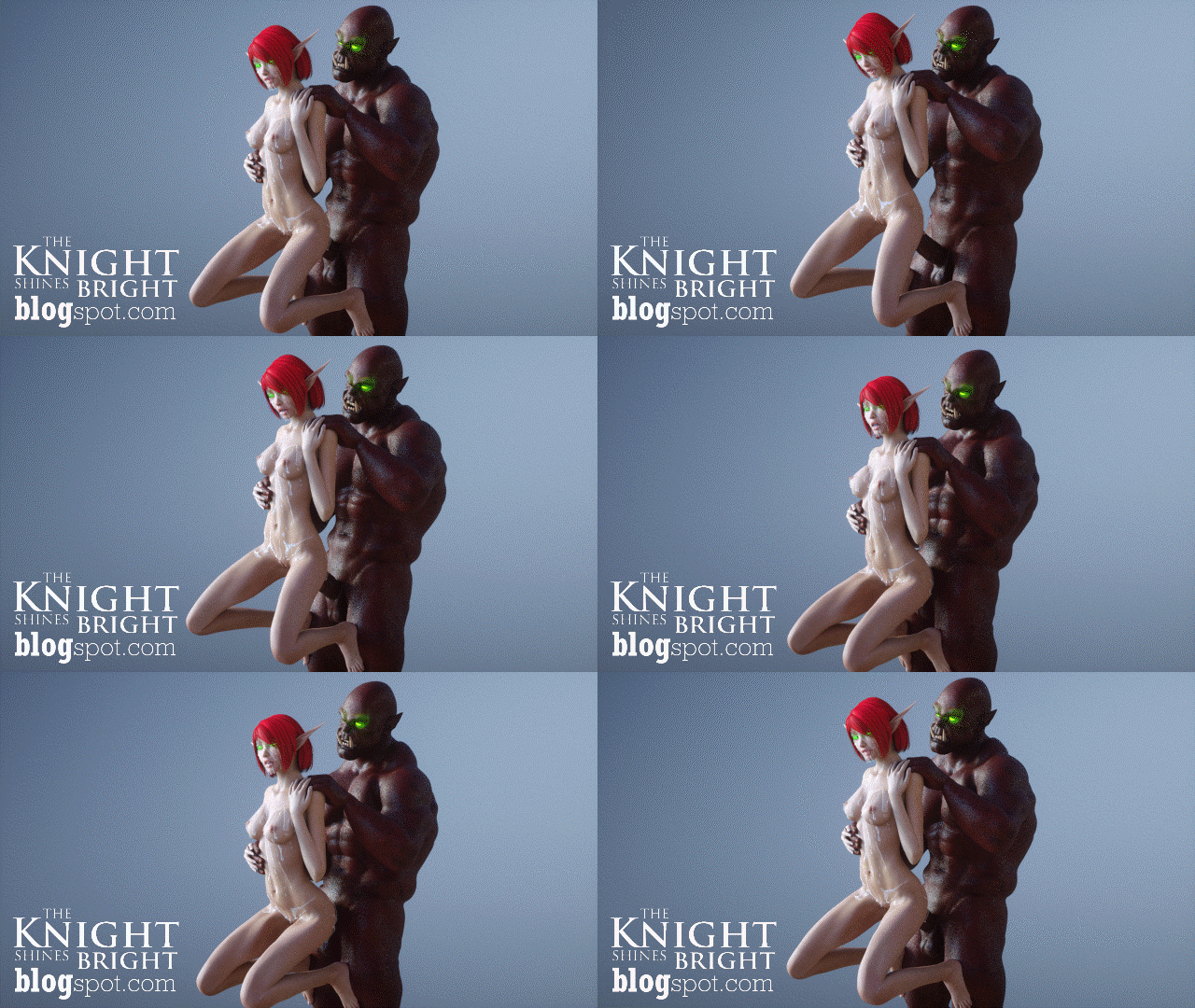
and for the wow fans, here a bloodelf and a fell orc

most of these animations were to test the parenting


Friday, April 4, 2014

Octane update

OTOY announce Octane v2 and it finally contains displacement mapping....
A feature I was expecting to be at least in the v1.x release, because it's a basic texture feature in 3D software!

Another update was the 1.5 of the standalone renderer and the plugins.
I installed the updated the plugin for Poser, it has some nice additions, but the custom figures I made are not really compatible with the new update... I have to re-build a lot of the materials... which is a pain in the ass.
The Texture scaling has a problem with the old version and I get a lot of errors.
But it's not effecting everything, which is kind of worse, because this way I have to look on every figure/prop it there is an error to be fixed or not
Otherwise I stumble on it while rendering

A lot of work just for an update :(

and here something bad from sfm
UL

Thursday, April 3, 2014

Parenting Problem Solved!

Hey
Just a quick info, for everyone else who had this problem with parenting bodyparts (hands, feet) from one figure to another (V4, M4).
(Don't know if the problems are with the Poser original figures/content, because I don't use them and deleted them from my Runtime.)

I posted the problem one post before with the deforming of the parented body parts, which won't normalize again after de-parenting.

Well, if you want to move the hands of M4 with the exact movements of V4 hips for example, here is quick guide:

  1. poser figures, M4 hands on V4 hips
  2. use inverse kinematics - LeftArm, RightArm
  3. select Left Hand
  4. Menu - Object - Change Parent...  -> parent to V4 hip
      (If you have allready animated V4 hip, hand will automatically move.)
  5. repeat step 3 and 4 for the Right Hand
  6. animate your M4 and V4 until you are satisfied
  7. use inverse kinematics and remove for LeftArm, RightArm
      (remove it without changing the parenting. this way keyframes will be made for the handparts)
  8. save the pose of M4 with all frames of the animation
  9. load a new M4 figure
10. load pose/animation on the new M4 figure

This way you can use the smooth parented movement without the ugly deformation!
I usually remove all inverse kinematics before saving a pose/animation
You can save the pose/animation with or without Body Transformation and Morph Channels
Morph Channels won't bring the deformation back!

I hope that helped everyone who had the same problem all these years!
For everyone else who allready knew it, you could have told me!


here is a test animation
(also tried magnets the first time, but the magnet zone wasn't working on the location it was placed...)

Friday, March 28, 2014

SFM Momiji


all 3 in 1 file


Again some tests with SFM,
still not so good, but it's nothing compared to Poser!
Well, a mix of both would be awesome. Like the simple parenting of body parts to other figure body parts, so you get a very exact movement of both parts (e.g. hands on hips while thrusting).
If I do that in Poser with the hands of M4 to the hip of V4, the hands deform and look strange:


 So I need to pose them step by step.
In SFM it is a lot easier, because it helps you in many ways, which are totally logical.
But this topic, is something I struggle since I started animating. Maybe I doesn't have found the way yet in Poser, so If someone know, let me pleas know ;)
It would make animations a lot more smooth.

Someone told me he was making he own rig for V4, maybe that's the key, but I haven't confronted myself with that yet.